Youtube ReVanced APK Download
Download
Continuing the legacy of Youtube Vanced
Download Revanced manager then install according to the instructions in the app
You can also download and install it manually
Need offline version without Vanced Manager?
Need Looking for older version?
MicroG
ReVanced microG is a small tool that helps you sign in to ReVanced apps. It allows you to use your Google account and sync your data without needing to install the full Google Play Services. Google Play Services.
YouTube ReVanced
YouTube ReVanced is a modified version of the official YouTube app that includes advanced features such as ad blocking, background playback, and sponsor skipping. It carries on the legacy of YouTube Vanced with a modern, open-source, and legal approach..
YouTube Music ReVanced
YouTube Music ReVanced is a modded version of the original YouTube Music app that offers features such as background playback, ad-free streaming, and more Customisation options— carrying forward the legacy of Vanced in a better, open-sou










Features
List of all the exclusive features of the YouTube ReVanced App.
#1
Main Features:
- It includes a true AMOLED dark mode that helps save battery and reduces eye strain
- You can also control brightness and volume easily by swiping on the screen, just like in popular video players such as MX Player.
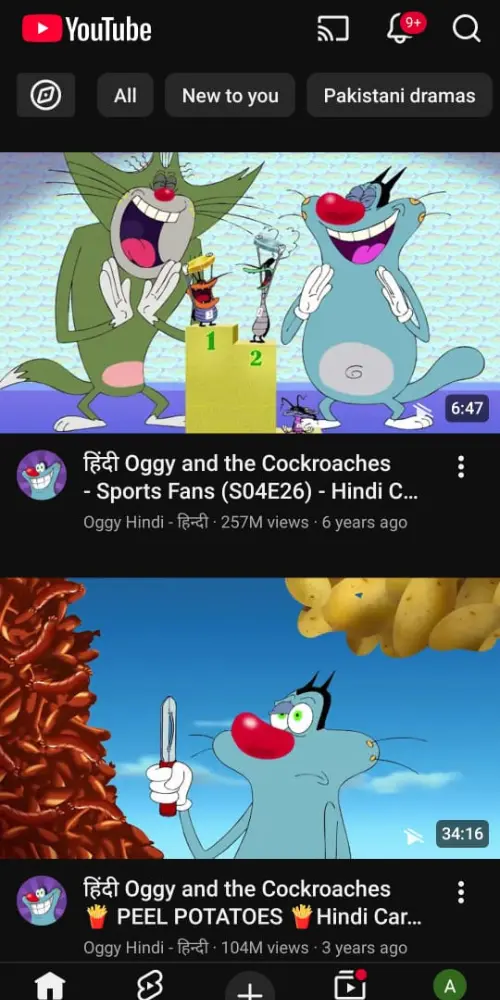
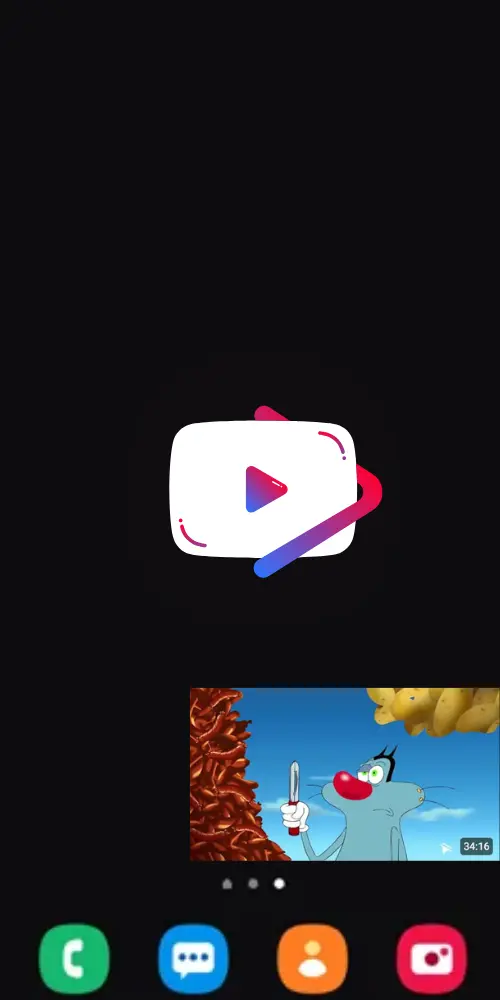
- With built-in ad blocking, you can enjoy videos without disturbance and even play them in the background or in Picture-in-Picture (PiP) mode—it works perfectly on Android 8.0 and above.
- The auto-repeat option lets your favourite songs and videos play again and again automatically.
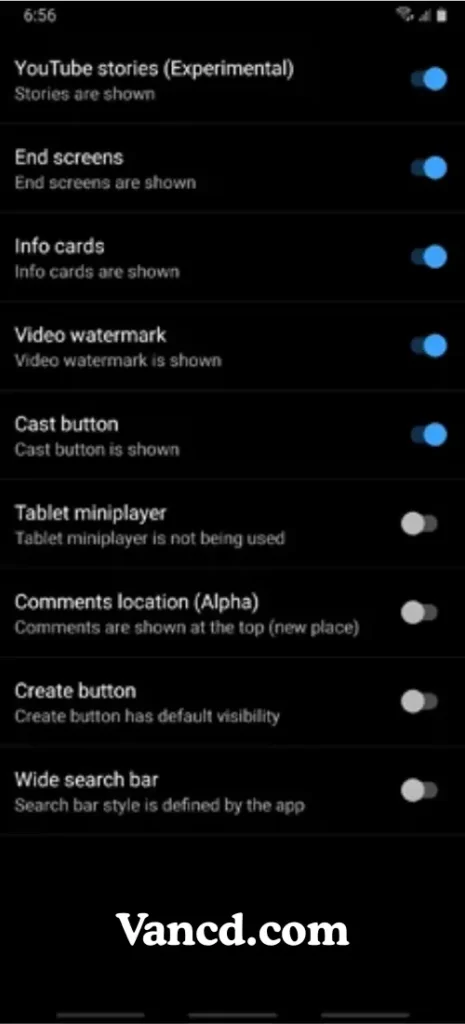
- Don’t like the new comments section or mini player? You can simply switch to the tablet layout, which looks more like the old version (though it might have a few small bugs).
#2
Customization:
- You can control video settings easily like forcing H.264 or VP9 codecs to make old devices play videos smoothly.
- If you prefer a cinema-like look, you can turn off 60fps or HDR for a softer viewing style. (You can find custom device settings on our Discord or XDA pages.)
- You can also set your favourite video resolution—high or low—or even force 4K playback on any device for a sharper picture.
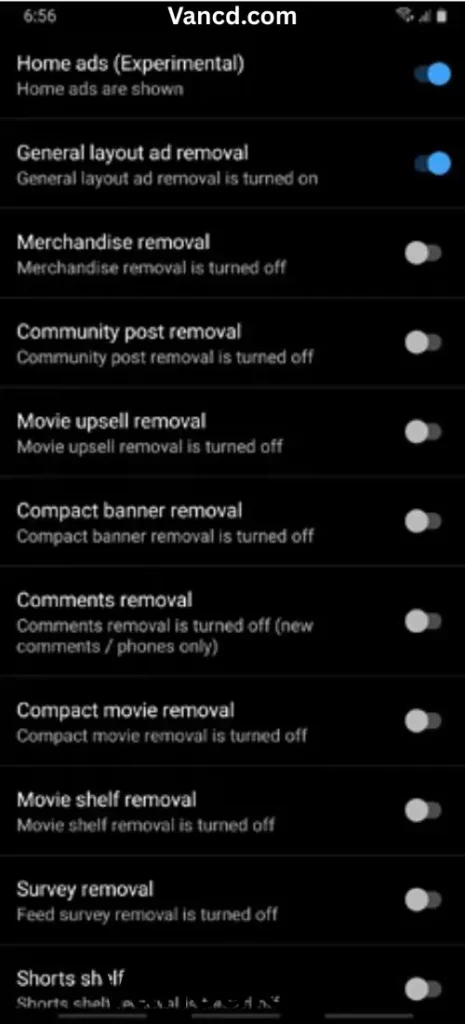
- Plus, you can turn off all the annoying stuff—like home ads, product ads, community posts, movie promos, banners, and even comments—for a clean, ad-free YouTube experience.
#3
Sponsor Block:
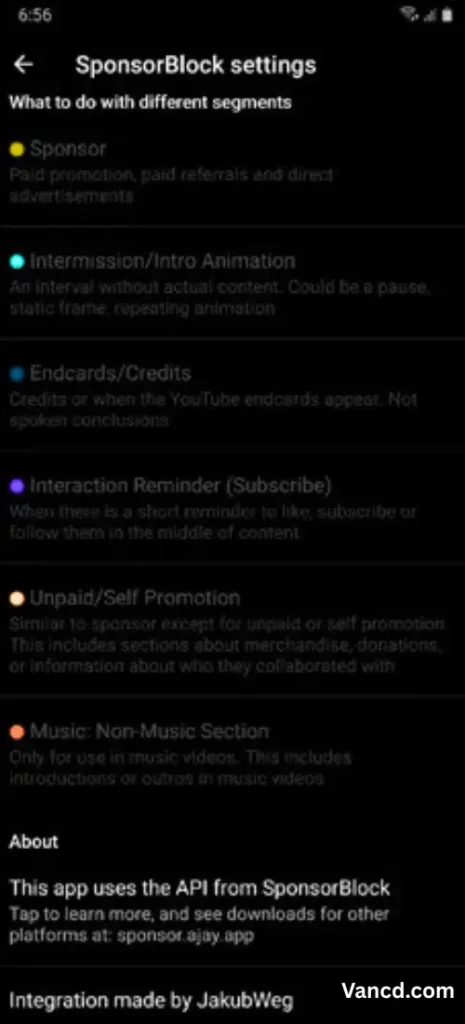
- This feature lets you skip annoying sponsor ads that appear in the middle of YouTube videos — the parts where creators promote a product or service.
- You can also skip other boring sections, like intros, outros, or reminders to “like and subscribe”.
- It works through a special API that helps detect and mark these parts in videos. You can even add your skip segments to help improve the system and support the community.
- You have a full check, choose to skip sponsors automatically, show a “Skip” button, or keep them as they are.
- Different parts of the video are marked with colors on the timeline, so you can easily spot which sections will be skipped.
#4
Return YouTube™ Dislike:
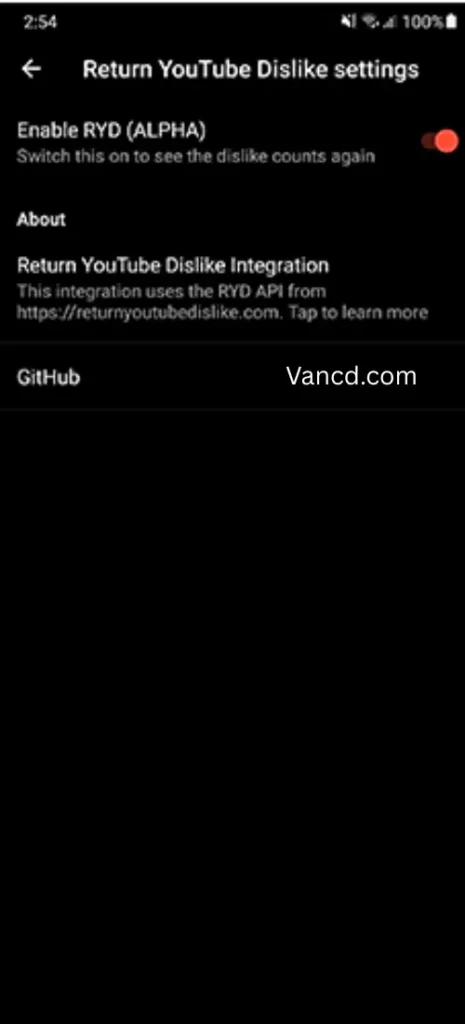
- This feature brings back the dislike count on YouTube videos, so you can once again see how many people disliked a video.
- The system uses dislike submissions from extension users and ReVanced users to estimate the total dislikes on new videos, while also showing saved dislike data for older ones.
- It works using the Return YouTube™ Dislike API, which helps show this data.